
Authorize UN
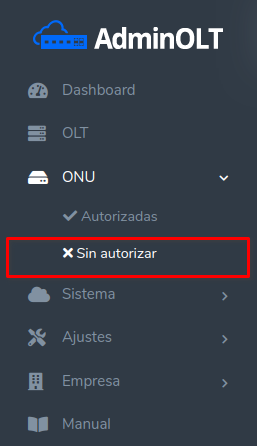
When connecting an ONU device to the OLT, it must be authorized to establish the connection. To see the devices that have not been authorized yet, we must go to the ONU section > Unauthorized.
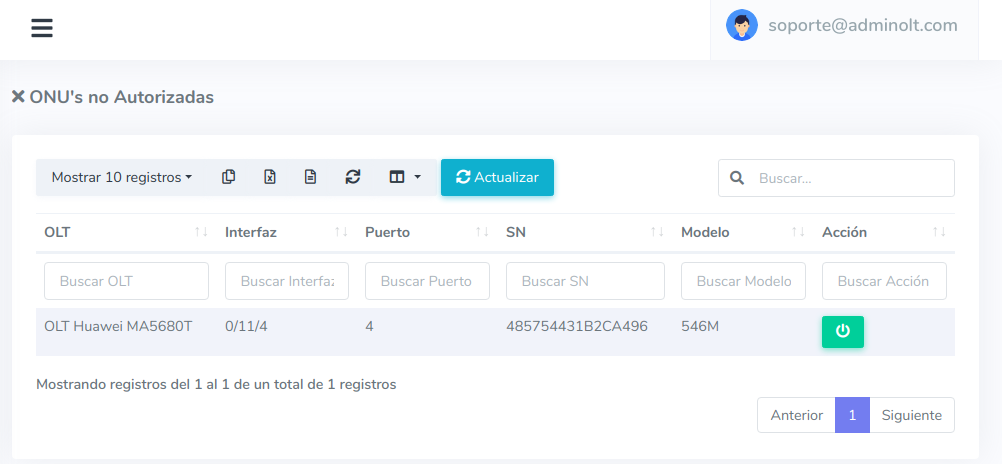
1In this section, we can see the ONU's that we have not authorized yet.
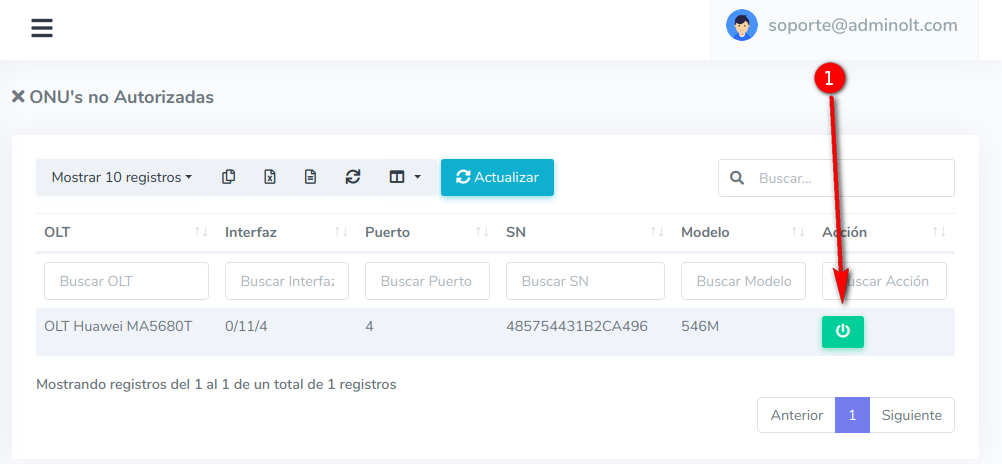
2To authorize the ONU, we select the action "Authorize ONU".
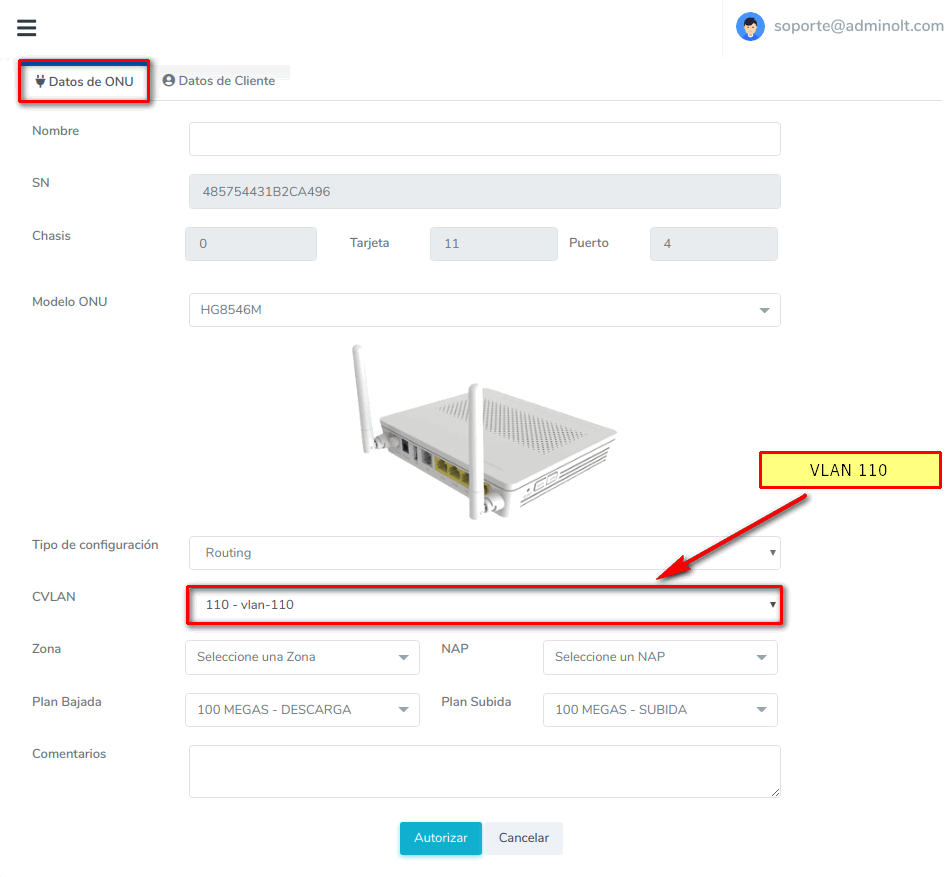
3Upon selecting the option to authorize ONU, we can see the following form with the details of the ONU. We can assign it to the VLAN, set the upload and download speed, among other options.
Huawei XG-PON / XGS-PON OLT
- GPON: GPON card.
- XG-PON: XG-PON card (10G/2.5G).
- XGS-PON: XGS-PON card (10G/10G).
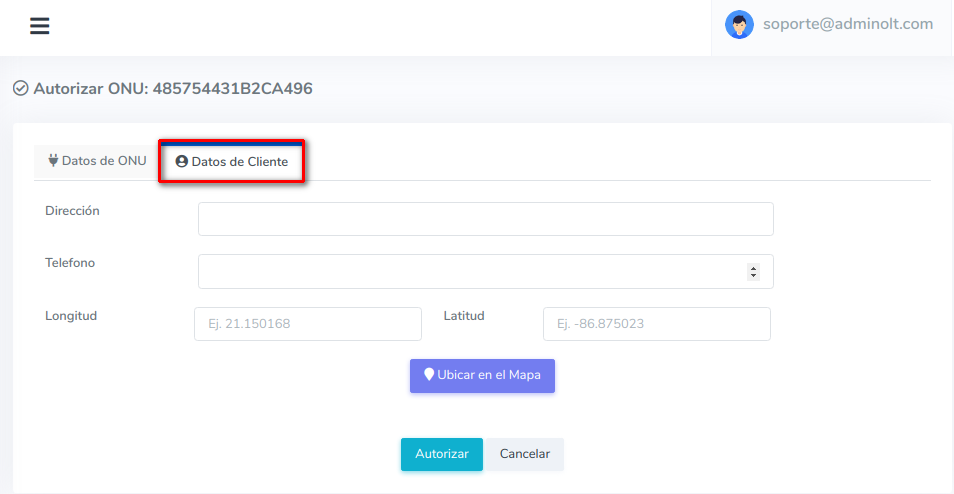
We can also add additional information about the ONU, such as the address, phone number, and location.
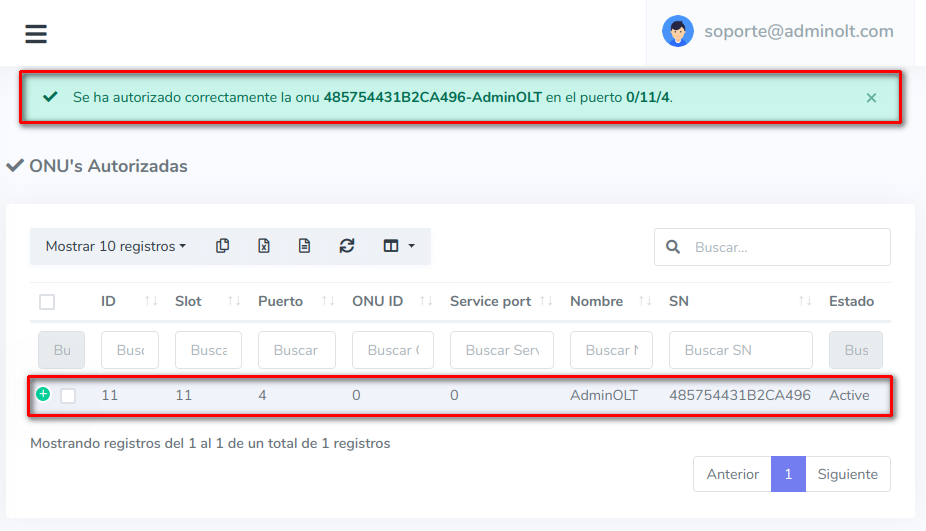
4After saving the ONU's data, we will be redirected to the view of authorized ONU's where we can see the ONU's that we have authorized.
April 12, 2024, 3:32 p.m. - Visitas: 31685