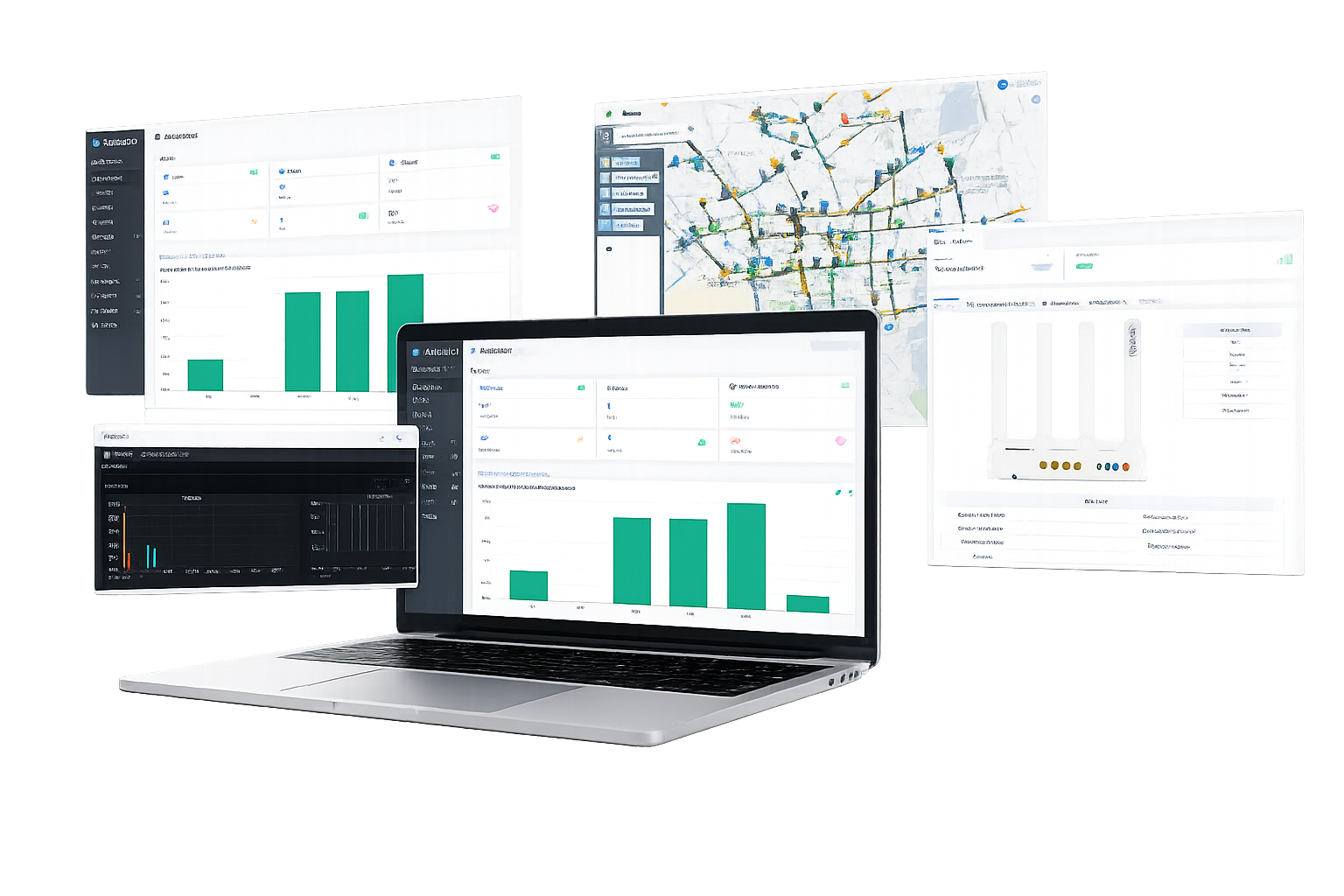
This is what day-to-day life looks like for an ISP managing its FTTH network with AdminOLT: authorize ONUs in seconds, watch the status of every OLT in real time, and visualize every last pole of your network on an interactive map — all from a single cloud platform, with no software to install and no public IP required on your equipment.
Forget logging into one OLT at a time. Click on any indicator and explore how AdminOLT centralizes the status of your FTTH network
| OLT | Name | Authorized ONUs | Status | Temperature | Uptime |
|---|
* Illustrative sample data. Connect your own OLT and watch this same information update in real time.
One platform to manage, monitor, and grow your FTTH network
AdminOLT automatically creates Tcont, Gemport, Service Port, and Traffic Table with a single click.
Activate ONTs with static IP, DHCP, or PPPoE in seconds, without entering the OLT console.
Manage Internet, IPTV, CATV, and VoIP for all your customers from a single panel.
Optical power, attenuation, distance, and temperature of every ONU and OLT, always in view.
Locate customers, NAPs, and OLTs on the map and plot the shortest route for your field visits.
Create access for administrators, technical support, and installers, each with their own permissions.
Automatic log diagnostics to detect and resolve issues faster (Huawei).
New features and improvements at no extra cost, always on the latest version of AdminOLT.
Before migrating to AdminOLT, check in seconds whether your OLT is reachable over Telnet and SNMP from the internet. Enter the same details you'd use to log in via console and we'll verify the connection in real time.
Network planning and rollout, coverage and expansion analysis
Place every OLT, NAP, pole, and customer at its real location, trace your network cabling by color according to link type, and draw coverage or expansion zones to decide, with data, where to reinforce your infrastructure. Click on any element on the map to see its details: address, signal, status, and available capacity. Double-click an end customer or a rack to see its fiber thread detail and power readings, just like on the real map.
All the information on this map (OLT, NAP, poles, clients, thread connections) is sample/illustrative data: it does not represent any real AdminOLT account or customer.
Join the ISPs that already manage thousands of ONUs and their entire FTTH network from a single platform. Activate your license today and get full visibility of your network from day one — or talk to a specialist first if you'd like to see how to connect your own OLT.